

Quick Answer: What Are the Best Online Learning Tips for Students?
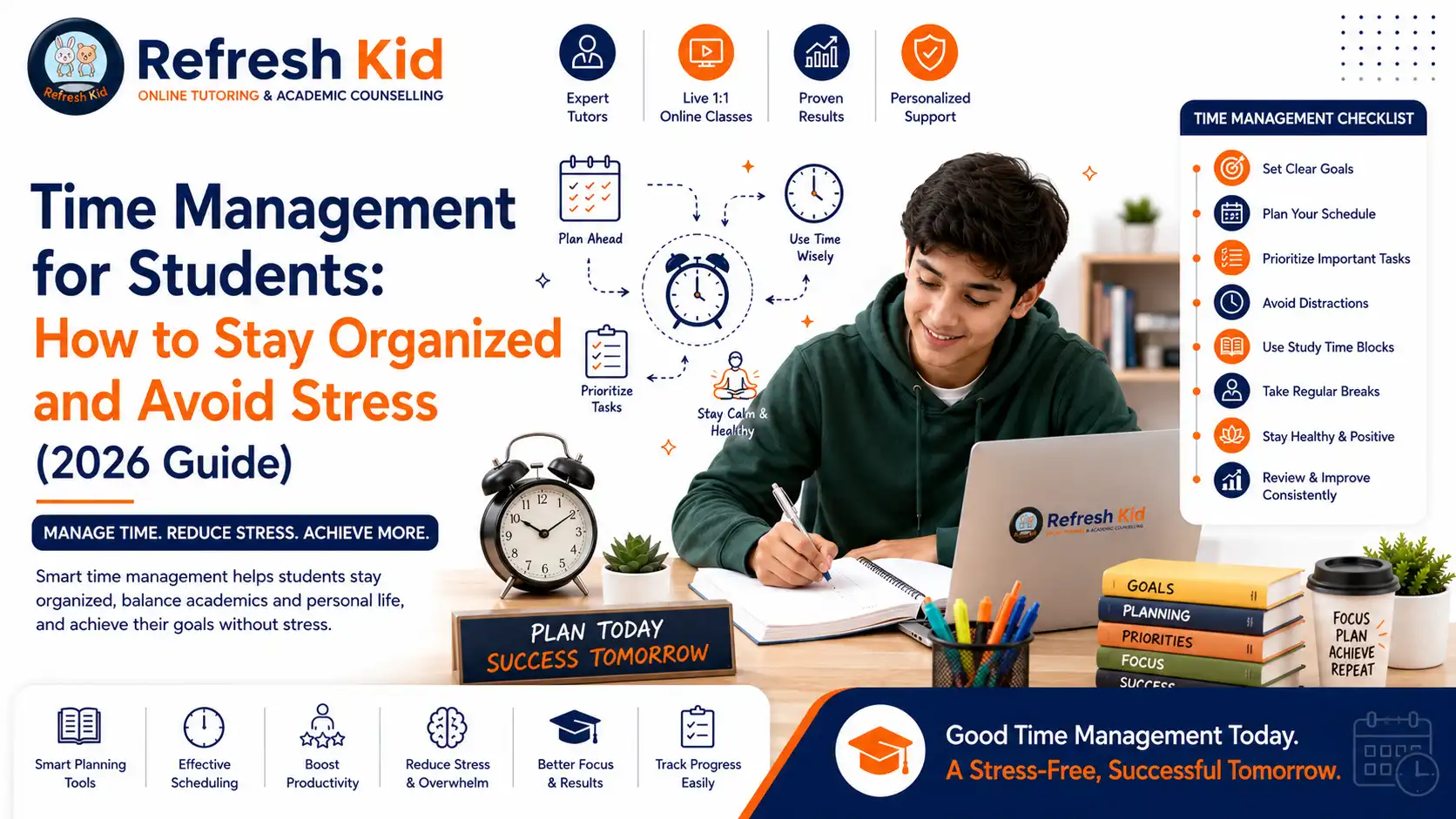
Students succeed at online learning by setting up a distraction-free study space, sticking to a consistent daily schedule, taking regular screen breaks, staying actively engaged instead of passively watching, and checking in on progress every week. Online learning only works well when it has real structure, not when it's treated as flexible screen time.
For families who want live US-certified teachers, personalized readiness assessments, AP and SAT/ACT support, K-12 subject tutoring, and weekly parent reports, Refresh Kid is designed to help students succeed in an online learning environment with confidence.
Key Takeaways for Parents
- Online learning only works when it starts with a real routine and workspace, not just logging in whenever it's convenient.
- Many students struggle with online classes not because the material is hard, but because of poor focus habits and screen fatigue.
- Different age groups need different online learning strategies. A first grader on a tablet and a junior taking AP classes online are not learning the same way.
- Online learning routines should evolve as a child moves from elementary school into middle school, high school, and AP or test-prep years.
- Parent involvement should focus on structure and accountability, not hovering over every assignment.
Strong Online Learning Begins With a Clear Plan
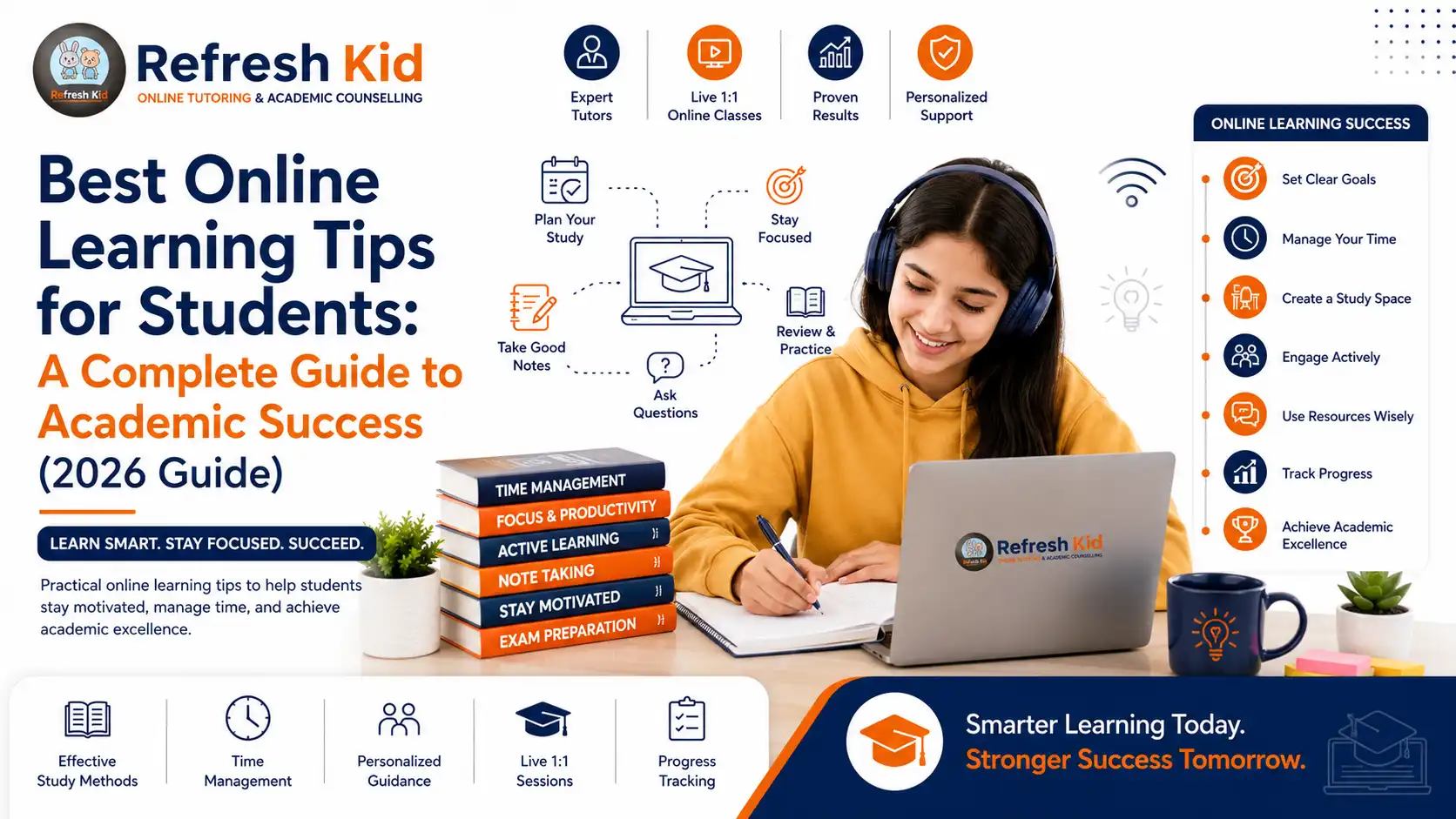
A dedicated workspace, a consistent schedule, screen-time boundaries, and active engagement that builds real understanding, not just screen time.
Why Most Online Learning Attempts Fail to Set Students Up for Success
Parents often assume that a laptop and a stable internet connection is the same as being ready for online learning. In reality, a child can have every device and app set up and still fall behind, because true success comes from structure and focus, not just access to technology. Letting a student log in from bed, skipping a consistent schedule, or ignoring rising screen fatigue turns online classes into a passive habit instead of real learning.
The strategies that actually move the needle focus on how screen time is used, not just how much of it there is. A student who spends 20 focused minutes reviewing material actively will retain more than a student who sits through hours of passive video with no engagement.
Students Often Need Real Structure, Not Just Flexibility
In many families, the instinct is to let online learning stay loose since it feels more flexible than a traditional classroom. But too much flexibility without real structure usually leads to missed assignments and a disengaged student. Parents should first ask: does my child have a dedicated space to log in from? Is there a way to check whether they're actually absorbing the material or just clicking through? Is my child taking real breaks, or staring at a screen for hours straight?
A strong online learning plan helps families answer important questions: Is my child actually engaged during live or recorded sessions? Do they understand key concepts, or is there a gap forming quietly? Which subjects need more structured support online? How do we know if the setup is actually working?
Common Online Learning Struggles by Age Group
Online learning challenges look different depending on a child's age and grade level. A strong parenting article should speak directly to the specific struggles families are facing at each stage.
| Age / Grade Level | Common Struggle | Best Strategy to Build |
|---|---|---|
| Elementary (K-5) | Short attention span during video lessons, needs constant supervision | Short session blocks, movement breaks, visual daily schedule |
| Middle School (6-8) | Juggling multiple platforms and login systems for different classes | One central tracker for all classes, organization systems by subject |
| Early High School (9-10) | Passive watching instead of active note-taking online | Active recall techniques, structured note templates, weekly goal-setting |
| AP & Test-Prep Years (11-12) | Underestimating how much self-discipline online AP coursework requires | Early review of prerequisite material, syllabus mapping |
| College-Bound Seniors | Balancing online coursework with applications and deadlines | Shared calendar system, early time-blocking for both |
Online Learning Support for Every Age
Refresh Kid supports K-12 students in building strong online learning habits and confidence in any digital classroom.
What an Effective Online Learning Routine Actually Looks Like
Many families try generic advice like "just log in on time" without a deeper plan. The difference between online learning that builds real understanding and online learning that just checks a box is whether it includes real structure and an honest look at engagement. Parents should look for consistency, a distraction-free setup, and a way to catch confusion before it becomes a bigger gap.
1. A Dedicated Study Space
A quiet, consistent spot away from the bed or TV helps a student's brain associate that space with focus rather than leisure.
2. Active Engagement, Not Passive Watching
Taking notes, pausing to summarize, and asking questions during live sessions prevents online classes from becoming background noise.
3. Screen Breaks Built Into the Schedule
Short breaks every 25 to 30 minutes reduce fatigue and actually improve how much information a student retains.
4. Matching the Plan to the Grade Level
A kindergartener on a tablet, a middle schooler juggling multiple platforms, and a junior facing online AP coursework all need different kinds of support.
Subject-Specific Online Learning Strategies That Actually Work
One of the biggest mistakes parents make is treating all online learning the same way. A child who only logs into every class on time is not actually engaging with the reasoning and reading stamina that will be expected of them. Each subject rewards a different kind of online learning approach.
Building the right strategy for each subject early prevents frustration later, especially once the pace picks up in middle and high school.
| Subject | Why Generic Online Habits Fail | Best Online Learning Strategy |
|---|---|---|
| Math | Watching a video without solving problems lets gaps go unnoticed until the first quiz | Pause videos to solve practice problems in real time |
| Reading / ELA | Skimming an online text misses deeper comprehension | Use short discussion check-ins after each reading session |
| Science | Ignoring key vocabulary makes new units feel unfamiliar | Quick refresher of key terms before starting a new online unit |
| Writing | Typing without outlining first makes online essays feel overwhelming | Short low-pressure writing practice a few times a week |
| Test Prep (SAT/ACT/AP) | Waiting until the online course starts to look at the syllabus | Map out exam dates and prerequisite topics before classes begin |
Online Learning Strategy by Subject
The right approach changes depending on what was learned last year and what is coming next.
Math
Active problem-solving instead of passive watching.
Reading
Short discussions after each online reading session.
Science
Refreshing key vocabulary and concepts.
Writing
Low-pressure practice to rebuild stamina.
Test Prep
Mapping exam dates and prerequisites early.
Organization
One tracker for all online classes and platforms.
Focus and Screen-Time Management Strategies That Boost Online Learning Success
Online learning success is not only about the platform being used. Focus and daily routine determine whether a good plan is actually followed once classes begin. Students who build in real breaks and boundaries tend to retain more than students who try to power through hours of screen time at once.
The students who adapt the smoothest usually work in focused blocks, rehearse their daily login routine, and cut back on unrelated screen use during study hours.
| Grade | Recommended Session Length | Focus Strategy |
|---|---|---|
| Elementary (K-5) | 15 to 20 minutes per session | Short blocks with movement breaks in between |
| Middle School (6-8) | 20 to 25 minutes per session | Practice a daily login routine, keep one tracker for all classes |
| High School (9-12) | 25 to 30 minutes per session | Use active note-taking, reduce unrelated screen use during study hours |
| AP & Test-Prep Years | 30 to 40 minutes per session | Combine focused study blocks with regular progress check-ins |
Grade-by-Grade Online Learning Roadmap
Online learning habits should evolve as a child grows. A routine that works for a kindergartener will not serve a junior heading into AP exams online. Building the right habits at the right stage prevents students from falling further behind each year.
For students aiming at strong academic outcomes, the foundation begins earlier than many families realize. Focus habits, engagement techniques, and organization systems built in elementary and middle school directly affect how easily a student adapts to AP-level online workloads and standardized testing later on.
Online Learning Roadmap by Stage
- Elementary school: Build short focused sessions, a calm login routine, and a supervised digital workspace.
- Middle school: Introduce a single tracker for multiple platforms, login practice, and a light engagement refresher.
- Early high school: Develop active note-taking, a syllabus overview, and consistent online study blocks.
- Junior year: Connect online study habits directly to AP course pacing and standardized test timelines.
- Senior year: Shift toward self-managed online learning that balances coursework and college deadlines.
Online Learning Growth Roadmap
From supervised short sessions through independent, exam-ready online study habits.
Elementary
Short sessions and a calm login routine.
Middle School
One tracker for multiple platforms.
Early High School
Active note-taking and syllabus overview.
Junior Year
Online study habits tied to AP pacing and test timelines.
Senior Year
Self-managed online learning across school and applications.
Independent Study vs. Guided Support
Independent online learning works well once a student has already built strong habits: a focused workspace, active engagement, and a reliable tracker. But for students still developing these habits, unguided online study time often leads to missed assignments, forgotten gaps, and a disengaged first month. For busy families, guided support can build the right process faster.
| Factor | Guided Online Learning Support | Unguided Independent Study |
|---|---|---|
| Accountability | Built-in through regular sessions | Depends entirely on the student |
| Identifying academic gaps | Immediate, expert-guided assessment | Often overlooked until the first test |
| Consistent engagement habit | Modeled and reinforced by a teacher | Easy to slip into passive watching |
| Parent visibility | Weekly reports and check-ins | Varies, often unclear |
| Subject-specific technique | Taught explicitly by a teacher | Often generic across all subjects |
Parent Checklist: Setting Your Child Up for Online Learning Success
Routine
- Is there a consistent daily schedule for online classes?
- Is the login routine being practiced ahead of the first session?
- Are regular screen breaks built into the day?
Academics
- Is the student actively taking notes instead of passively watching?
- Are online assignments spread out instead of crammed at the end?
- Are upcoming syllabi or exam dates already mapped out?
Organization
- Is a single tracker set up for all online classes and platforms?
- Is the digital workspace free of distractions?
- Is there a plan for managing multiple online classes or logins?
Long-Term Confidence
- Does the online learning plan evolve as the child moves up in grade level?
- Is online study time connected to upcoming tests or AP exams where relevant?
- Is the child gradually taking more ownership of their own online learning?
Why Families Choose Refresh Kid for Online Learning Success
Refresh Kid supports K-12 students online with a structure that turns screen time into real academic momentum. Instead of guessing what to focus on, families get a plan built around the student's grade level, subjects, and goals, guided by a live teacher who tracks progress every week.
Live US-Certified Teachers
Students work with real teachers who identify gaps and rebuild focus habits in a live online setting.
Weekly Parent Reports
Parents receive clear updates on what was covered, which habits improved, and what still needs attention.
Subject-Specific Coaching
Refresh Kid tailors the online learning plan to each subject, from math practice to reading stamina and essay warm-ups.
Test-Prep Ready From Day One
Students map exam dates and prerequisite topics early, well before SAT, ACT, or AP exam season begins.
K-12 Coverage
Families can build online learning routines for elementary foundations, middle school organization, and high school independence in one place.
3,000+ Students Served
Refresh Kid has supported thousands of students with over 900,000 learning hours across K-12 subjects.
Frequently Asked Questions
The most effective approach combines a distraction-free workspace, a consistent daily schedule, active engagement instead of passive watching, regular screen breaks, and weekly check-ins on progress. Treating online classes as loosely optional rarely leads to strong outcomes.
This usually happens when there's no dedicated workspace and the student is passively watching instead of actively engaging. Students who build in structure and take real breaks tend to adjust far more smoothly than those learning without any routine.
Most families benefit from shorter sessions for younger students and gradually longer, more focused blocks as a child moves into middle and high school. Trying to sit through hours at once tends to leave students fatigued and disengaged.
A light, low-pressure check-in is more useful than constant supervision. Asking the child to explain what they just learned helps surface gaps without making online learning feel like it's being monitored every minute.
Yes. Refresh Kid teachers assess where a student stands in an online setting, including academic gaps, focus habits, and organization needs, so students build both subject mastery and real confidence online.
Absolutely. Strong students often use good online habits to get ahead on AP prerequisites, plan around SAT/ACT test dates, and manage a heavier course load without early burnout. Structured online learning isn't only for students who are struggling.
Setting up a dedicated, distraction-free workspace, building in short regular breaks, and encouraging active note-taking all reduce the urge to drift off during sessions. Familiarity with a consistent routine tends to improve focus more than reminders alone.
The most common mistake is treating online learning as loosely flexible instead of setting a real schedule, workspace, and break structure. Building this in from the start makes the experience far less chaotic for everyone.
Ask whether the tutor starts with an assessment rather than guessing, whether progress is reported weekly, whether the plan is customized by subject and grade level, and whether the strategy adapts as the student moves up in school.
Families can visit www.refreshkid.com to request a free demo class or academic assessment for their child.
Ready to Help Your Child Succeed in Online Learning?
Whether your child needs a focus routine, active engagement strategies, or a structured plan to stay on track, Refresh Kid helps families succeed in online learning with live US-certified teachers and clear weekly parent communication.